Quickstart
Docker Compose (recommended)
The fastest way to get Llaboratory running:
cd Llaboratory
cp .env.example .env # then edit .env with your API keys
docker compose up --build
Important: Set at least one API key in .env before running docker compose up. The backend reads keys from the environment at startup — sessions will fail fast if a referenced variable is unset.
Open http://localhost:5173 for the UI. The frontend proxies API calls to the backend container on port 8000.
First run: the onboarding checklist
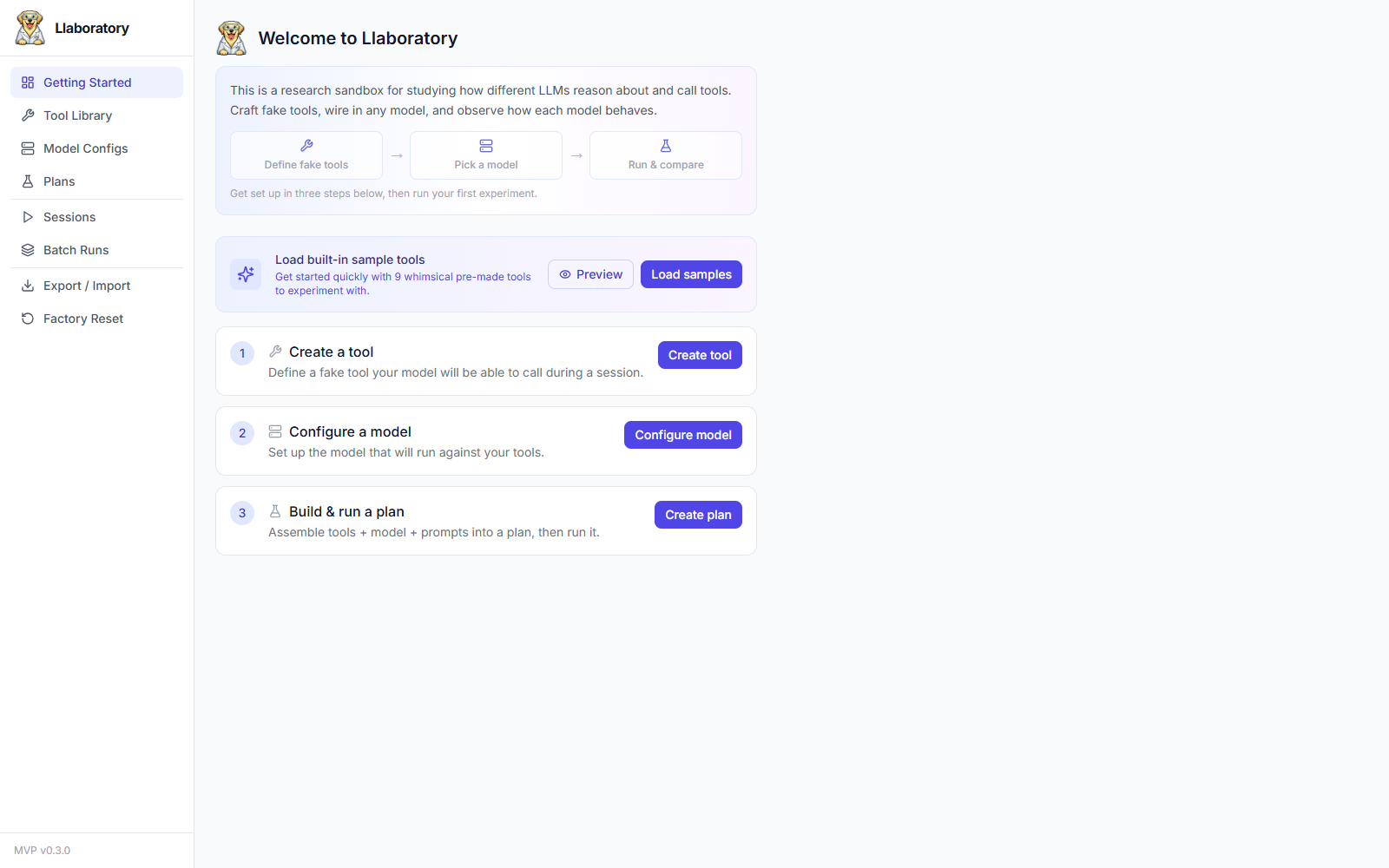
A brand-new instance (no plans yet) shows a Getting Started checklist instead of an empty Tool Library. It walks you through the three things you need before your first experiment:
- Create a tool (or click Load samples to seed 9 ready-made whimsical tools — no setup required)
- Configure a model — point at OpenAI, OpenRouter, or a local server like LM Studio / Ollama
- Build and run a plan
The fastest path to a first result is Load samples → Configure a model → Create plan → Run. The checklist disappears from the sidebar once you have at least one plan.
Running an experiment
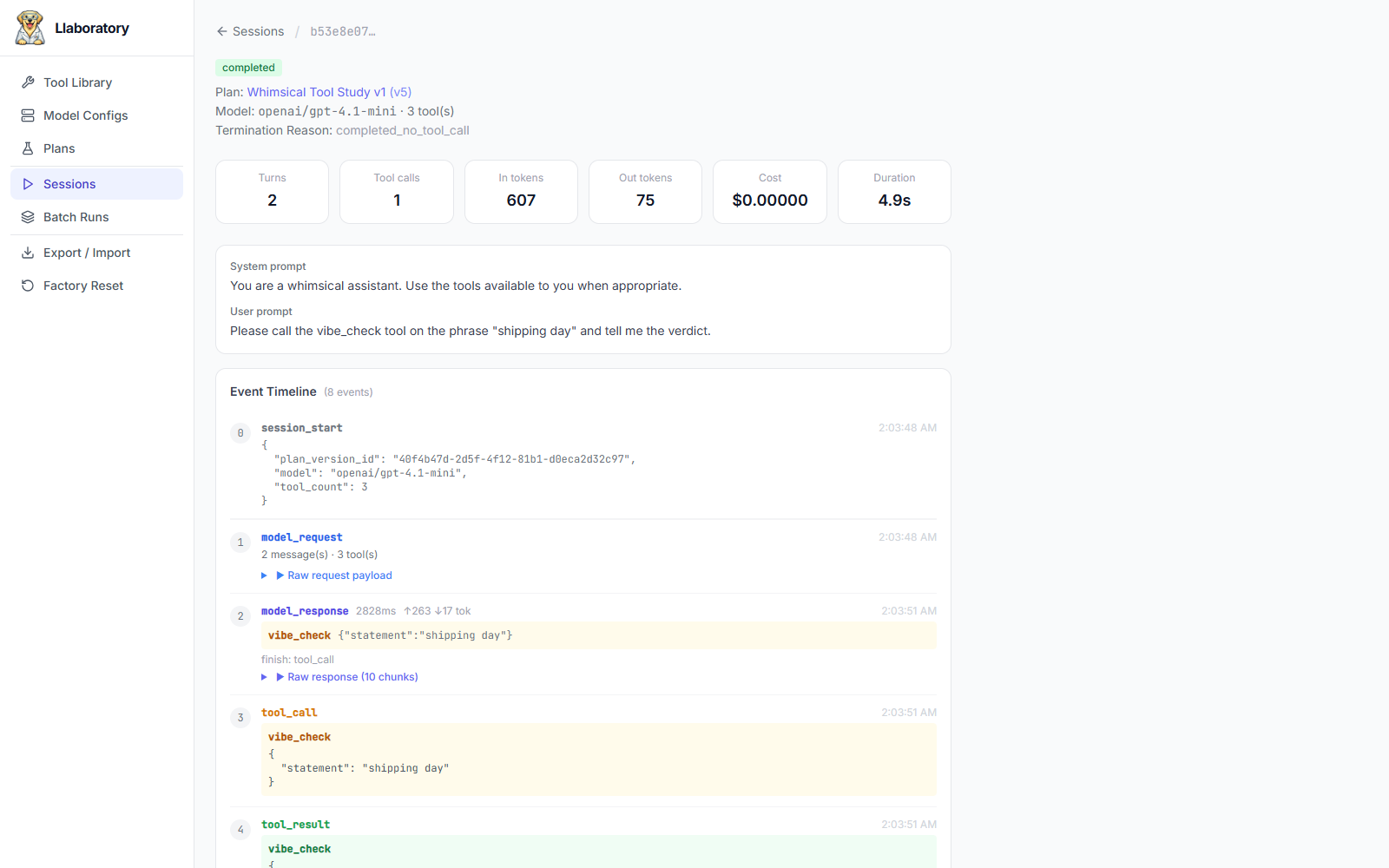
While a session is running, the event timeline shows live reasoning, text, and tool calls as they stream in. After a run finishes, open the plan stats view to review aggregates, export CSV, or download a markdown findings report for that plan version. Need more than one data point? Use Run in batch… to fire N repetitions of the same plan version and track their progress from the Batch Runs page.
Manual setup
Backend
cd backend
uv venv
uv pip install -e ".[dev]"
cp ../.env.example ../.env # fill in your API keys
uv run uvicorn app.main:app --reload
Frontend
cd frontend
npm install
npm run dev
Open http://localhost:5173 — the frontend proxies /api to :8000.
Configuration
Copy .env.example to .env in the project root and set at least one API key:
OPENROUTER_API_KEY=sk-or-...
# or any OpenAI-compatible provider
API keys are read from environment variables at session start. They are never stored in the database or export bundles.
Backing up & resetting your data
Everything lives in one SQLite file, but you don't need to touch it directly. The Export / Import page bundles your tools, model configs, and plans (optionally with their sessions) into a downloadable ZIP — handy before upgrading, moving machines, or sharing a reproducible setup with a collaborator. Factory Reset wipes all user-created data back to a clean slate. See Data Management for details.