
Study how LLMs choose tools
A self-hostable, open-source harness for researching LLM tool-calling behavior. Design fake tools, wire in any model, run one session or a thousand, and see exactly what it picked and why.
A self-hostable, open-source harness for researching LLM tool-calling behavior. Design fake tools, wire in any model, run one session or a thousand, and see exactly what it picked and why.
LLMs make hundreds of tool-calling decisions. Llaboratory lets you design controlled experiments to understand how — and why — they choose the tools they do.
Create tools with static or dynamic (Python) responses. Parameter schemas, descriptions, and response modes are all first-class experimental variables.
Assemble tools, model configs, and prompts into versioned, reproducible testing plans. Pin tool versions and freeze model snapshots for exact reproducibility.
Execute sessions with real-time streaming. Watch model reasoning, text, and tool-call arguments arrive incrementally, turn by turn, until the agent loop terminates.
Per-session metrics, within-plan aggregation, and cross-model comparison. Tool-selection rates, call-order patterns, termination reasons, CSV export, and downloadable markdown findings reports — all available.
Fire N repetitions of a plan version in one click and watch them run in the background, up to 5 at a time. Stop chasing single-session anecdotes — get a real sample size.
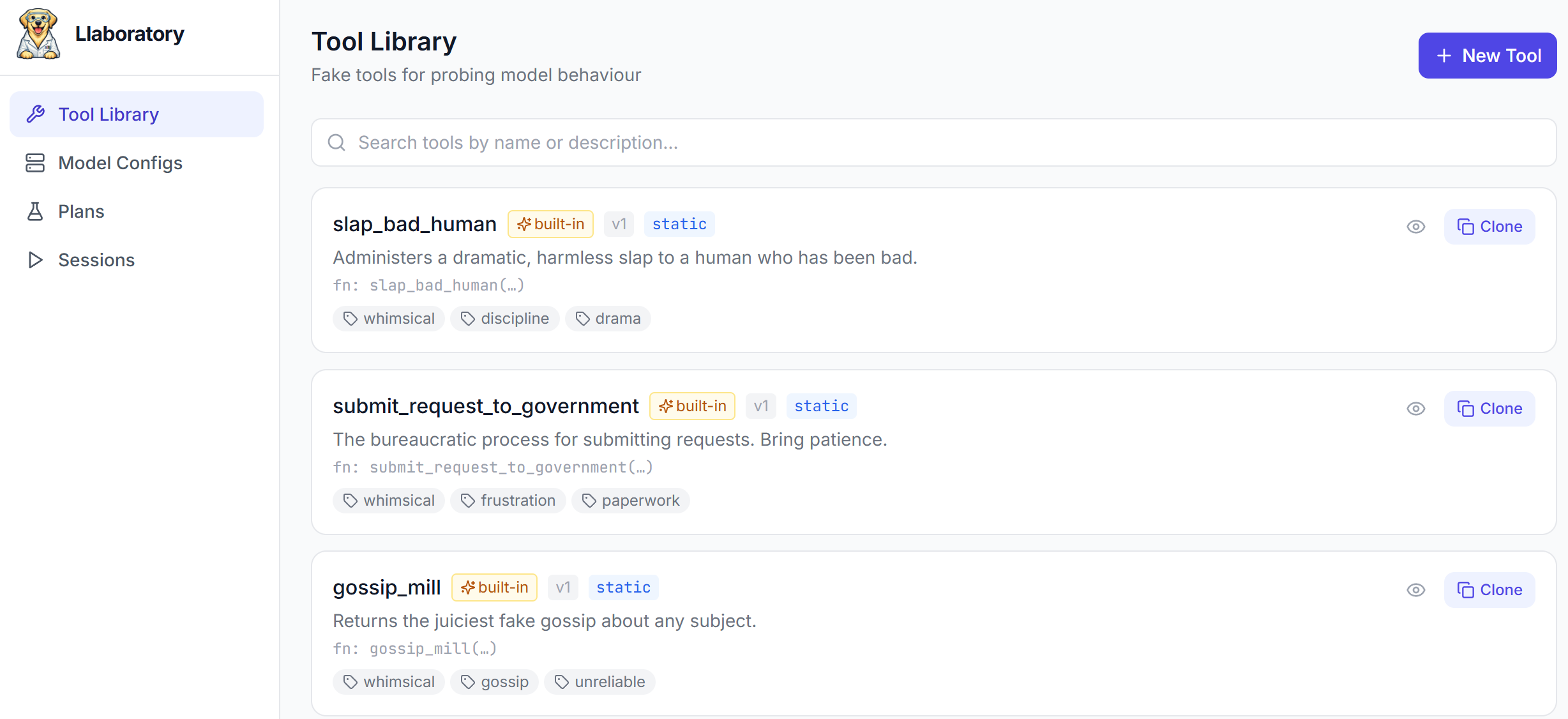
A first-run checklist gets you to a working experiment in three clicks, with 9 built-in whimsical sample tools ready to load instantly.
Export your tools, models, and plans to a single ZIP and import them anywhere. Factory-reset an instance to a clean slate whenever you need one.
From a blank instance to published findings, in a handful of steps.
Follow the Getting Started checklist and load 9 built-in sample tools instantly, or build your own with static payloads or dynamic Python responses. Each save creates an immutable version.
Point to any OpenAI-compatible endpoint — OpenAI, OpenRouter, LM Studio, Ollama, or anything else that speaks the chat-completions API. Set the model snapshot, params, and API key via environment variables.
Select tools, choose a model, write system/user prompts, and set run parameters. Snapshot everything into an immutable plan version.
Launch a single session with live streaming, or fire N repetitions in the background with Batch Runs. Inspect every tool call and model response as they arrive.
Aggregate across runs, compare models, export CSV, or download a markdown findings report. Export your whole setup as a ZIP to hand off to a collaborator.
Live session view — model reasoning, a tool call, and its result, as they stream in.
Docker Compose is the quickest way to get up and running.